
New Features
SVG Import
You can now import SVG files into the Component Creator:
- Upload SVG files from manufacturer datasheets, CAD exports, or design tools
- Imported elements can be moved and resized
Access via the "Upload SVG or PNG" button in the Component Creator toolbar.
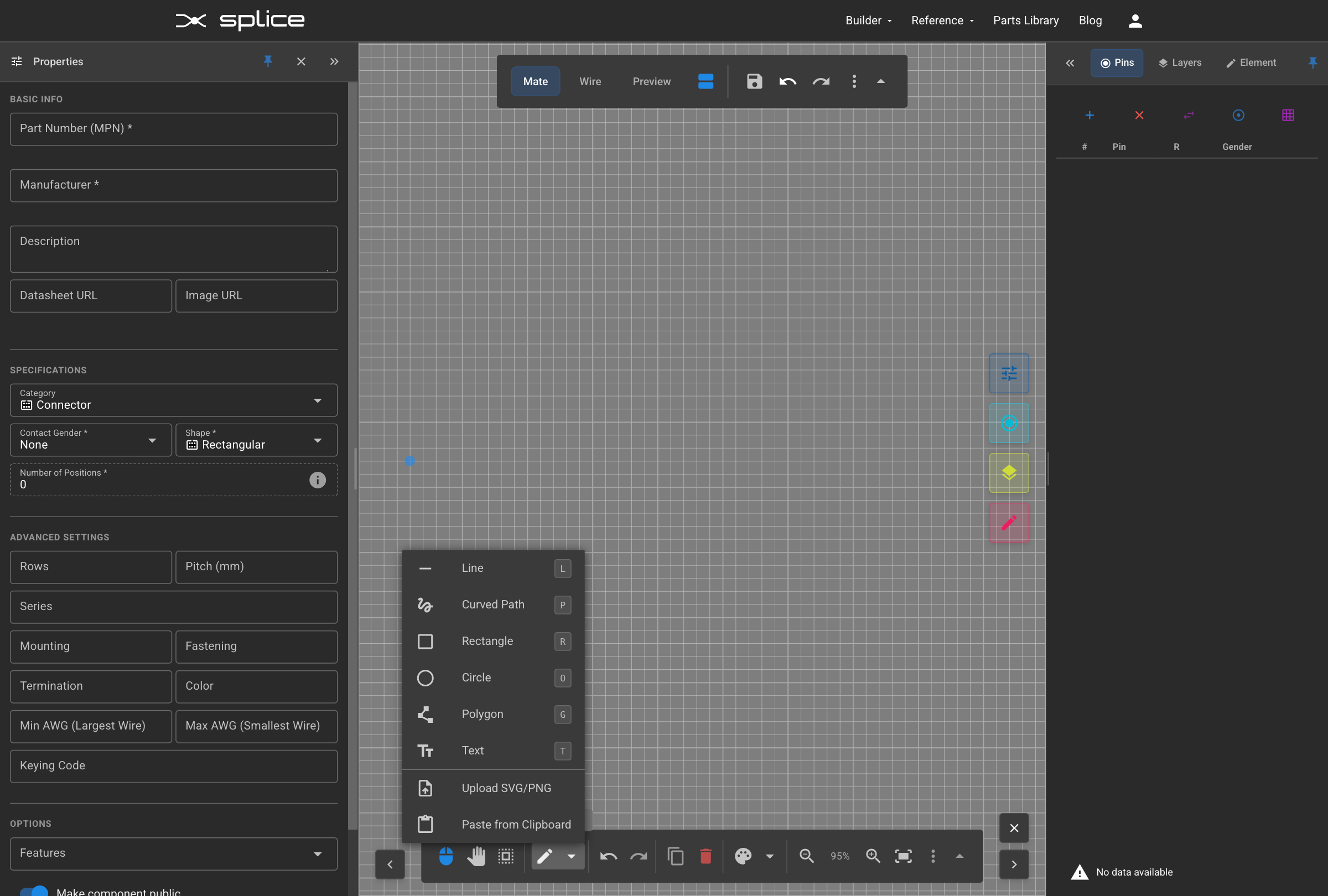
SVG Import in the Component Creator.
PNG/Raster Image Import
PNG images can now be embedded in custom connectors:
- Upload PNG files via the "Upload SVG or PNG" button
- Images are base64-encoded and embedded in the connector definition
- Images can be positioned, resized, and layered with other SVG elements
- Undo/redo support included
Manual Preview Bounds
Define which portion of your design appears in preview and harness diagrams:
- Click the "Preview Bounds" button (crop icon) on the Mate Side tab
- Drag the orange dashed rectangle to reposition the preview region
- Use corner and edge handles to resize
- Wire side bounds automatically mirror mate side settings
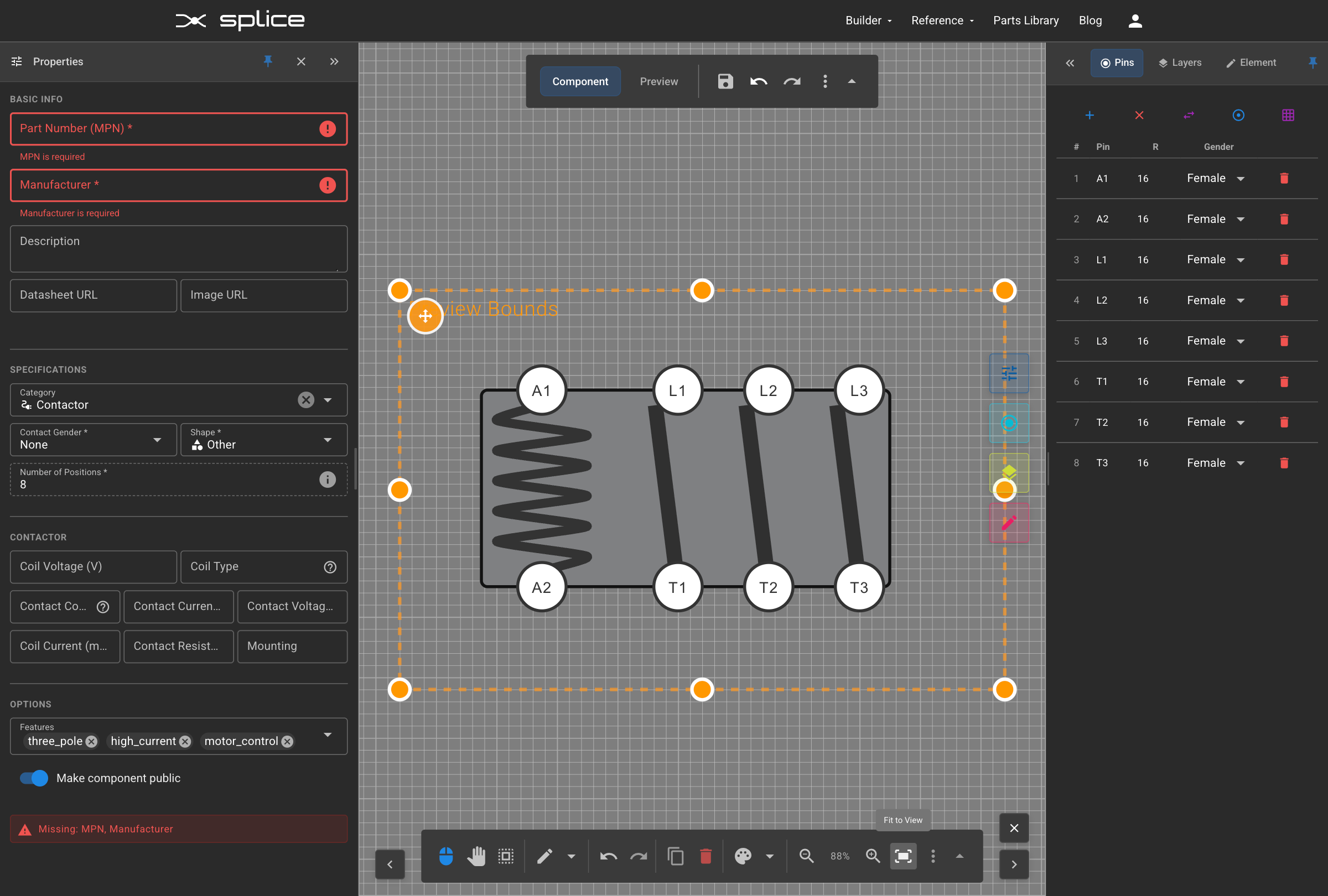
Manual preview bounds control in the Component Creator.
What's Next
Short Term Goals
- Improved WireViz YAML import into Harness Builder
- Include connector graphics in WireViz YAML exports
Medium-term Goals
- Gerber file parsing for automated harness creation from PCB designs
- Export support for wire labels compatible with heat-shrink printers
We're tracking bugs, feature requests, and improvements on GitHub.