
We've added expanded functionality and two quality-of-life upgrades this week: a new Component Categories model, faster wire property editing from anywhere, and a Bulk Connect tool for rapid straight-through/crossover/custom patterns.
Components
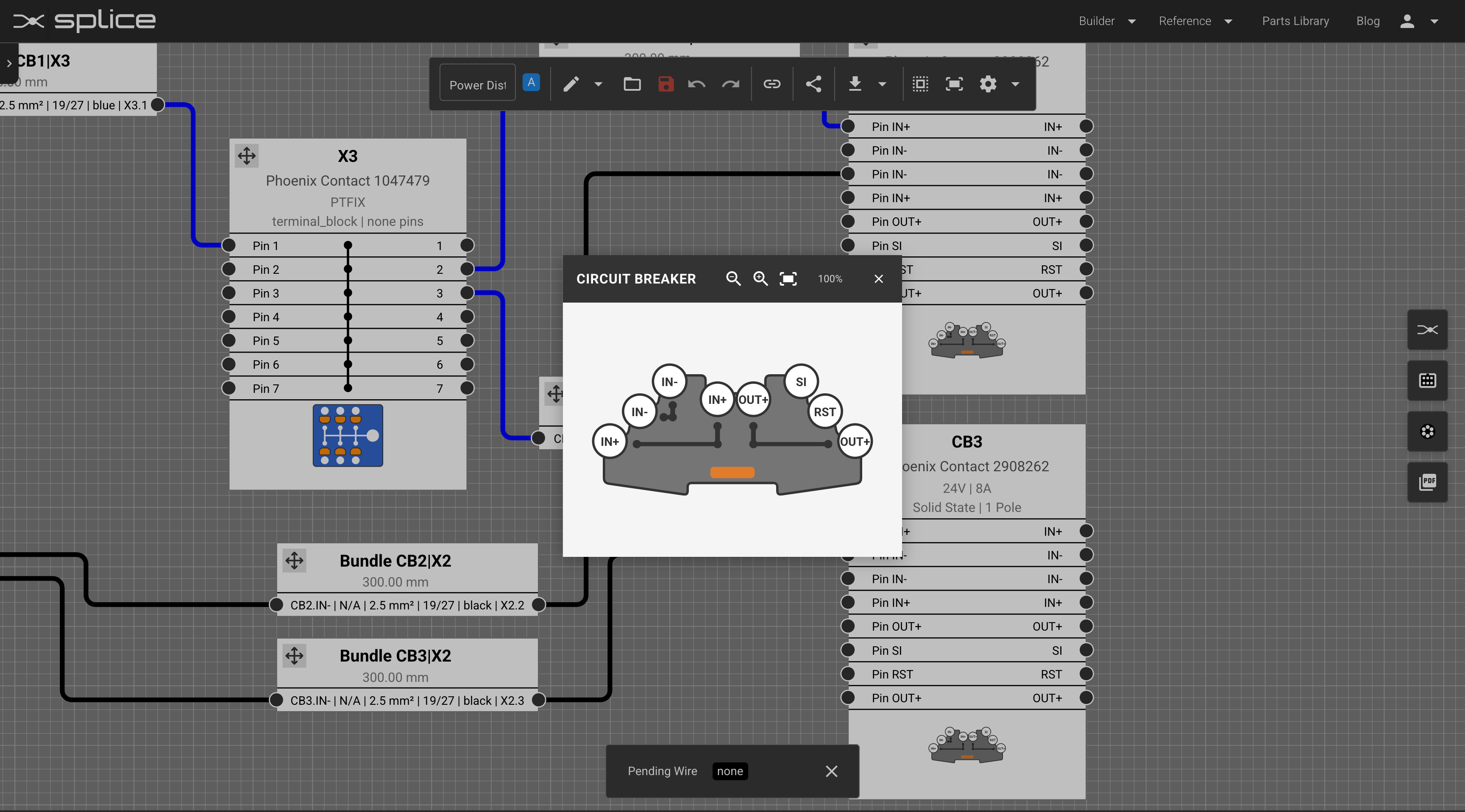
To make the system more general and easier to extend, we renamed "connectors" to components and standardized them into categories:
- Circuit breakers
- Fuses
- Fans
- Push buttons
- Switches
- Relays
- Contactors
- Timers
- Printed circuit boards (PCBs)
- Power supplies
- Motors
- Other general components
If no category is assigned, the component will still default to Connector - so existing designs remain compatible.
Faster Wire Property Editing
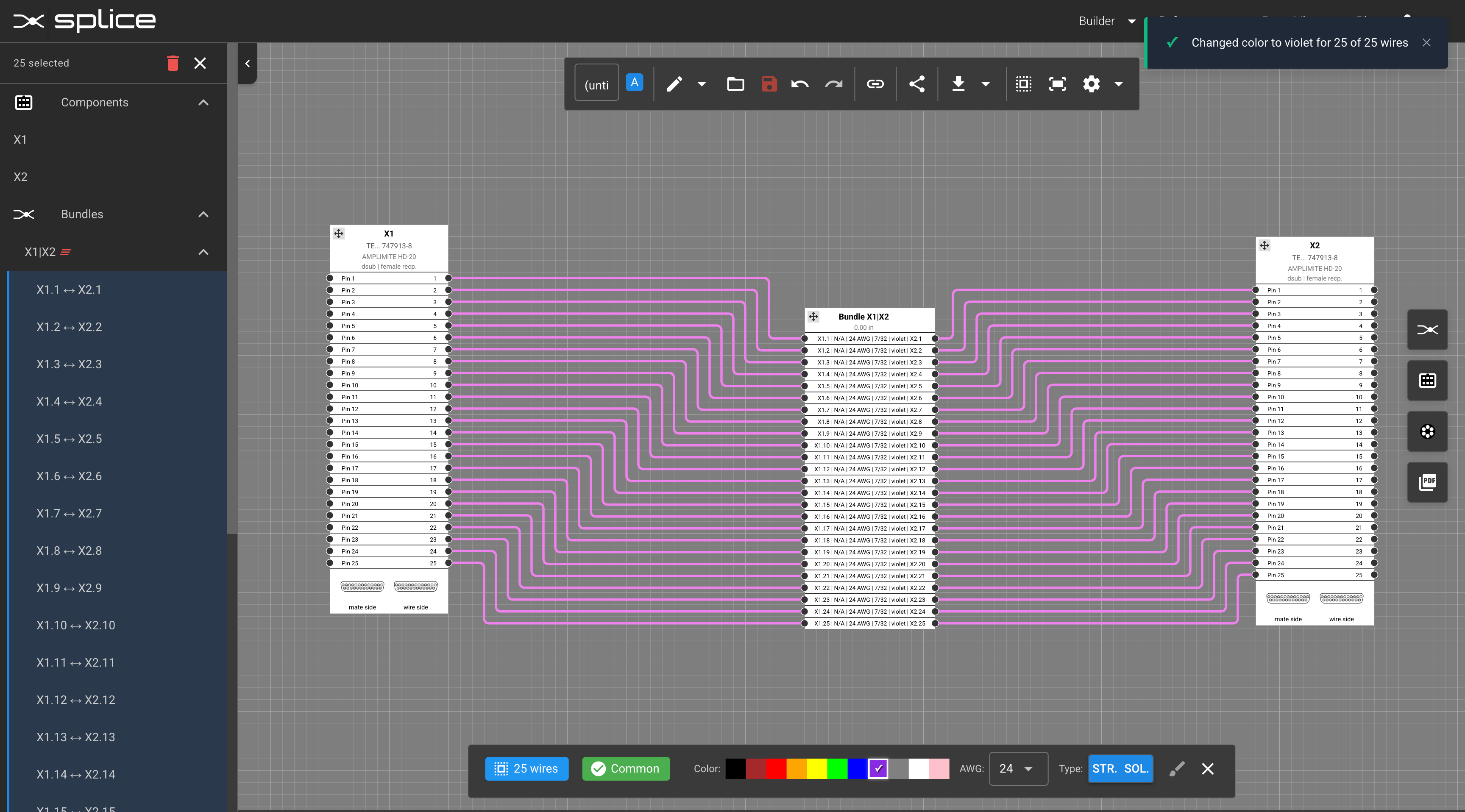
You can now change wire properties from more places, with fewer clicks:
- Select individual wires from the left sidebar or directly on the canvas
- Select all wires in a bundle from the left sidebar
- Update color, gauge, and stranded/solid in one shot
These editors respect your unit preferences (AWG / mm²) and play nicely with Undo/Redo.
Bulk Connect: Straight-Through, Crossover, or Custom
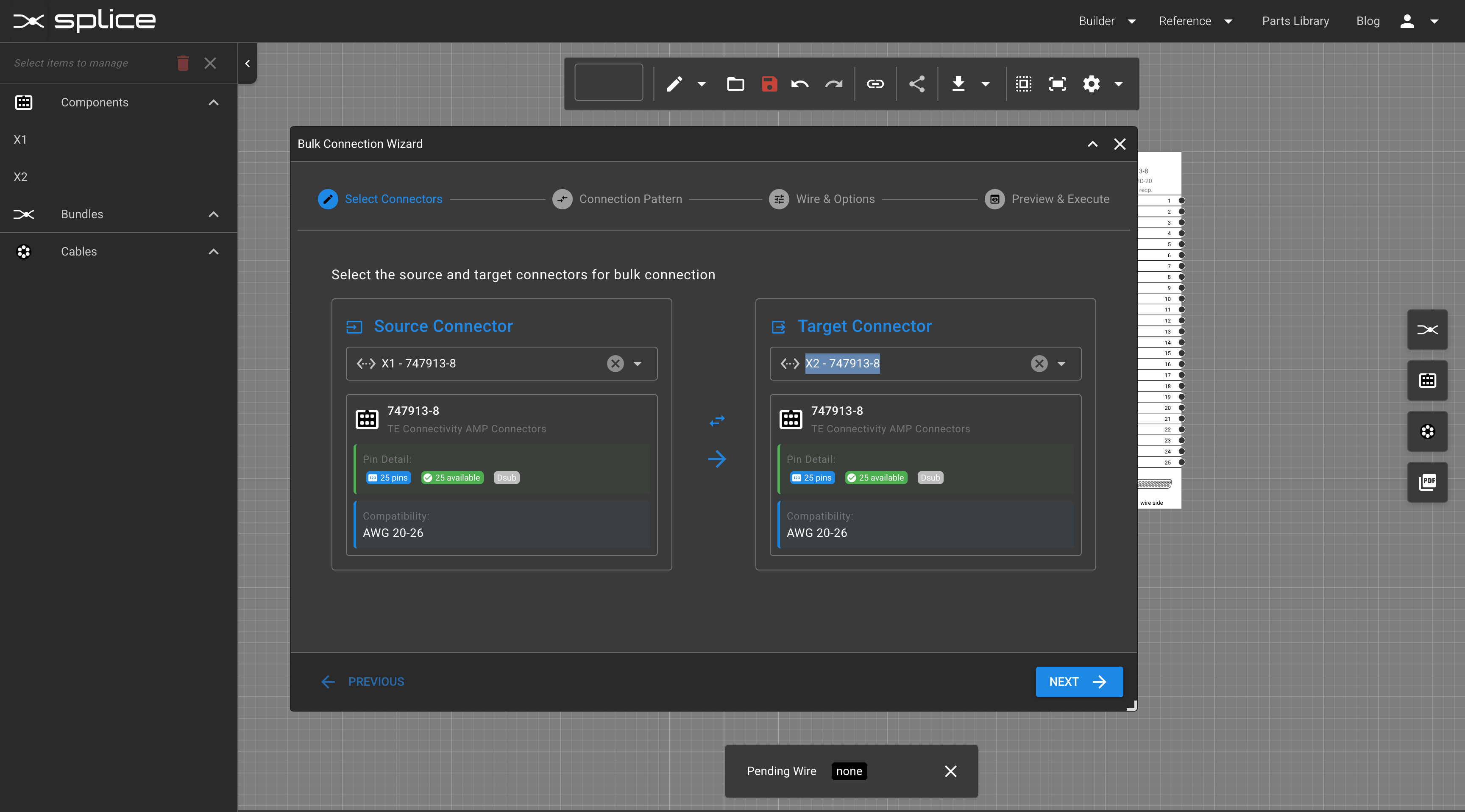
Quickly generate connections between two components using preset or custom maps:
- Straight-Through: 1->1, 2->2, 3->3, ...
- Crossover: common flip/swaps (e.g., 1->N, 2->N-1), selectable patterns
- Custom Pattern: define your own mapping table
While applying, you can:
- Assign one set of properties (wire color, gauge, stranding) to all connections, or
- Edit per-connection before you commit
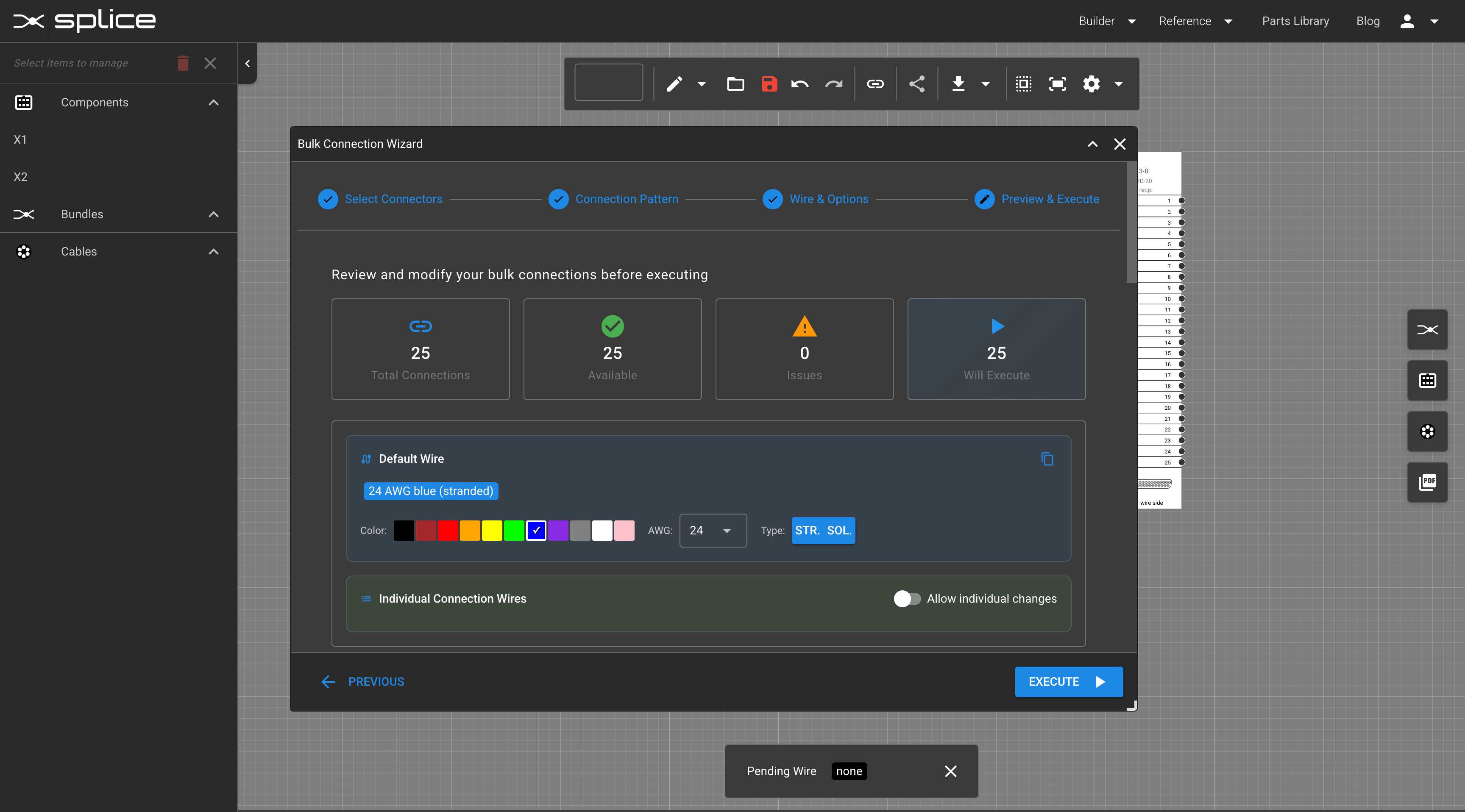
Everything is previewable and fully Undo/Redo-aware.
Tips
From the top menu, click the chain icon to start a bulk connection.